Ethical Neighborhood Cameras: Privacy & Safety
By Aoife O'Connell • 8th Apr
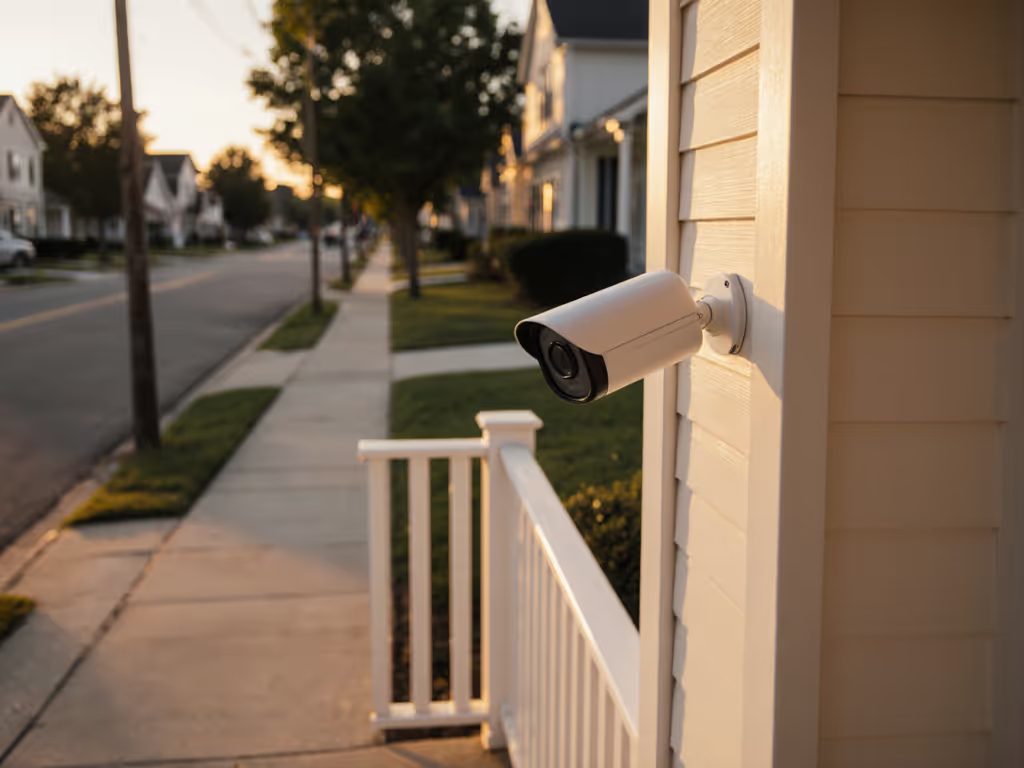
Ethical neighborhood security cameras and community privacy guidelines aren't afterthoughts. They are the foundation of systems that actually work and survive neighborhood scrutiny. When you skip the ethics conversation upfront, you end up with cameras that spark conflicts, trigger complaints to HOAs, or collect footage nobody trusts enough to use. The goal is clear: deter crime, support community safety, and keep everyone's rights intact.
Let's dig into the questions that matter most to homeowners and small-business owners juggling both security and responsibility.
FAQ: Building Trust While Protecting Your Community
What's the Difference Between Surveillance and Security?
Surveillance watches. Security responds. The distinction shapes everything.
Surveillance cameras positioned to monitor public areas (entry points, driveways, parking lots, communal spaces) gather evidence and deter activity. Security integrates that data into action: motion alerts to your phone, lights that trigger, or real-time footage you review to decide if police or a neighbor should know.
The ethical line is sharp: cameras belong on shared spaces and entry/exit points. They don't belong aimed into homes, backyards, or private windows. For legal boundaries in your state, see our legal placement guide before you install. When placement respects that boundary, neighbors stop worrying about invasion and start seeing you as a peer who's thoughtful about community safety, not someone who's watching.
Where Should Cameras Actually Go?
Placement beats pixels. A 2K camera in the right spot beats 4K in the wrong one, every time.
Focus on high-risk, public areas:
- Main entrances and exits (front gates, access roads)
- Parking areas and common grounds (driveways shared by multiple households, visitor parking)
- Communal facilities (community centers, mailbox clusters, and playground perimeters, not interiors)
- Low-traffic zones prone to activity (side alleys, blind corners where headlights don't reach)
A real example: I worked with a family whose driveway camera kept missing everything. The mount wobbled on vibrations, Wi-Fi dropped during critical moments, and the infrared beam reflected off a white fence wall, washing out faces. We mounted the camera to a solid post with proper bracing, rewired it to PoE for clean power, and angled it to avoid the glare. Suddenly, license plates popped at night, false alerts from wind dropped to almost zero, and the footage became actually usable... no wobble, no lag, no blown-out infrared wash. That's the difference solid mounts and clean power make.
Before installing, ask: Could this camera reasonably capture footage of someone else's bedroom window? If yes, reposition it. If no, document your reasoning and inform the community why the location matters.
How Do I Communicate This to Neighbors?
Transparency defeats suspicion.
Inform the community upfront:
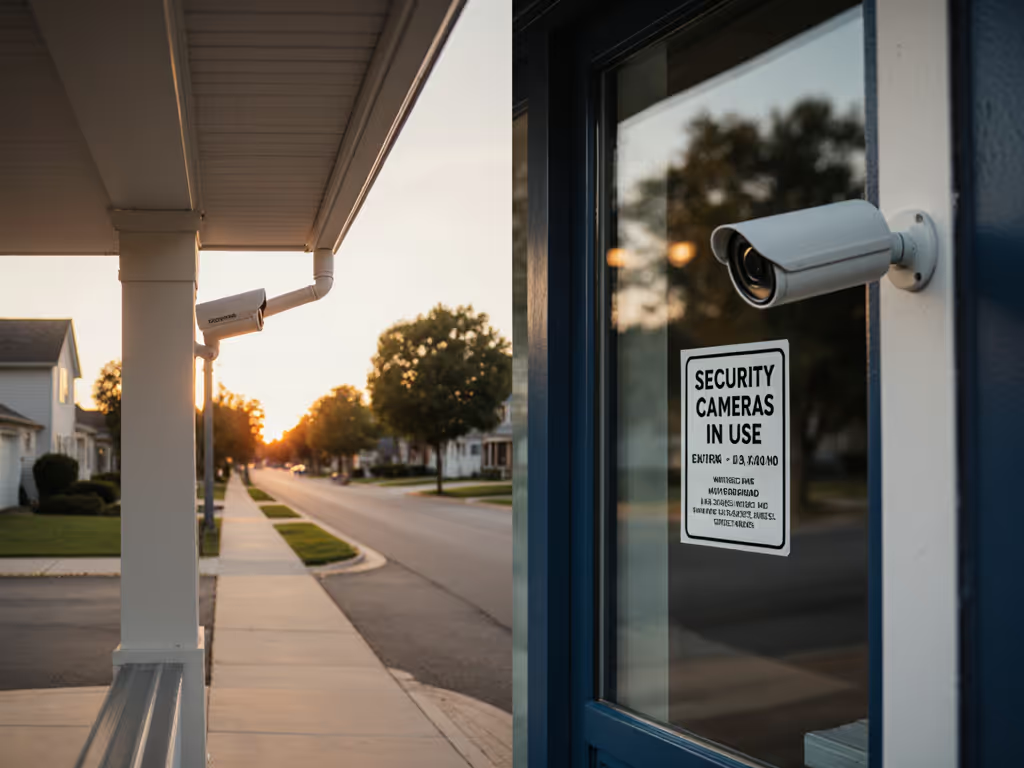
- Publish a simple policy: "We've installed cameras at entry points and common areas to deter theft and support community safety. No footage captures private homes or yards. Data is retained for 30 days and shared only with law enforcement if a crime occurs."
- Explain why: "Package theft has increased in our area. This system helps us identify suspects and assist police investigations."
- Invite feedback: "If you have concerns about camera placement, please contact us."
Community involvement reduces friction significantly. When neighbors know cameras are there and trust the rules, they're more likely to tolerate them, or even appreciate them.
What's the Role of Placement in Alert Accuracy?
This is where Aoife's bias shows, and it's earned: placement directly controls false-alert volume.
A camera pointed at a driveway but angled to catch tree branches, headlights, and passing vehicles will fire alerts for rain, wind, and delivery trucks. The same camera, repositioned 2 feet higher and angled 10 degrees left, stops seeing branch motion and starts only capturing threats.
Placement tactics to reduce alert fatigue:
- Angle above knee level to avoid pet and motion-sensor false triggers
- Point away from moving light sources (passing car headlights, porch lights) that cause lens flare
- Use motion-detection zones (if your system supports it) to mask irrelevant areas (bushes, street gutters, uncontrolled parking)
- Avoid backlighting: a light behind the target washes out details and creates silhouettes
- Mount on rigid structures: metal posts or eaves, not vinyl gutters or hanging brackets that flex
When you tune placement and zones together, false alerts often drop by 60-80%, according to field data from installers. For step-by-step motion detection calibration methods that cut false alerts, use our guide. Fewer alerts mean neighbors ignore alerts less. Ignored alerts are useless alerts.
How Does Community Policing Integration Work?
Neighborhood cameras are most effective when they're part of a broader community watch (not a replacement for it).
In practice:
- Share footage with local police proactively when a crime occurs. Offer to export clips in formats they accept (MP4, MPEG).
- Integrate with HOA or block-watch groups so alerts can be shared immediately with neighbors who can act (check a gate, verify a guest).
- Link cameras to motion sensors or smart lighting to create layered response: motion triggers a light, which alerts you, which you review and then escalate if needed.
- Maintain an audit trail: log who accessed footage, when, and why, so accountability is baked in.
This integration transforms a camera from a black box into a community tool. To choose tools that balance sharing with privacy, compare community security platforms.
What About Privacy Zones and Masking?
Privacy masking is your ethical insurance policy.
Some systems allow you to blur or pixelate specific zones (a neighbor's driveway, a side window, a mailbox area) so the camera records, but those zones stay private. If your camera supports it, use it. If it doesn't, consider replacing it with one that does; it costs very little more and signals respect to neighbors.
Non-discrimination is critical: surveillance should not disproportionately target specific groups or individuals. If you're tuning motion zones, ask yourself: Am I masking a zone based on who lives there, or based on legitimate privacy boundaries? The answer should always be the latter.
What's the Right Balance Between Security and Privacy?
There is no one-size-fits-all answer, but the principle is simple: security measures should pass the would I apply this to my own home? test.
If you wouldn't want a camera outside your bedroom window, don't point one at a neighbor's. If you wouldn't want footage of your children in your backyard shared without consent, don't broadcast live feeds of the neighborhood playground. If you wouldn't tolerate your data being sold to third parties, don't use a cloud system that buries that practice in terms-of-service footnotes.
Legal compliance and ethical standards are not separate; they reinforce each other. The neighborhoods that thrive are the ones where cameras are trusted because they're used predictably and only when legitimate crime warrants it.
How Do I Future-Proof This Setup?
Solid mounts and clean power beat fancy features, and they also survive time.
Build for longevity:
- Use PoE (Power over Ethernet) instead of Wi-Fi or batteries wherever possible. A single Ethernet cable carries power and data, eliminates battery drain in extreme weather, and sidesteps Wi-Fi congestion that kills reliability.
- Mount on permanent structures: a post set in concrete with a weatherproof junction box outlasts a battery camera zip-tied to a gutter.
- Document placement and zones: write down your reasoning so future residents or technicians understand why cameras are positioned as they are.
- Plan storage locally first: use an NVR (network video recorder) on-premises; cloud can be a backup, not the primary. Local storage stays under your control. See our cloud vs local storage breakdown for costs, privacy, and outage resilience.
Your Next Step
Start with one question: Where would a camera catch legitimate threats without peering into private spaces?
Then walk your property or neighborhood with that lens. Mark entry points, parking areas, and isolated zones. Sketch sight lines. Ask a neighbor or HOA member to review your reasoning. Once placement is locked, then choose technology (resolution, night vision, connectivity) based on what that placement actually requires, not what marketing promises.
Schedule a conversation with neighbors or your HOA before installing. Share your placement rationale and privacy policy in writing. Invite feedback. When cameras go up, they go up as part of a community agreement, not a surprise.
Done this way, ethical neighborhood cameras become a tool neighbors accept (and even thank you for) because they work quietly and only speak up when something actually matters.
Related Articles