Digital Twin Security Cameras: Smarter Monitoring, Less Risk
By Kojo Mensah • 17th May
If you've heard about digital twin security cameras or virtual security modeling and wondered whether that's real value or just a buzzword, you're not alone. If false alarms are your main pain point, see our Video Content Analysis guide to understand how smarter detection cuts noise. The promise is tempting: fewer blind spots, fewer false alerts, better evidence, and more control over where your footage lives.
In this FAQ deep dive, I'll unpack what these systems actually do, how they can help a normal home or small business, and how to approach them in a way that improves privacy instead of eroding it.
Collect less, control more; privacy is resilience when things go wrong.
FAQ: Digital Twin Security Cameras & Virtual Security Modeling
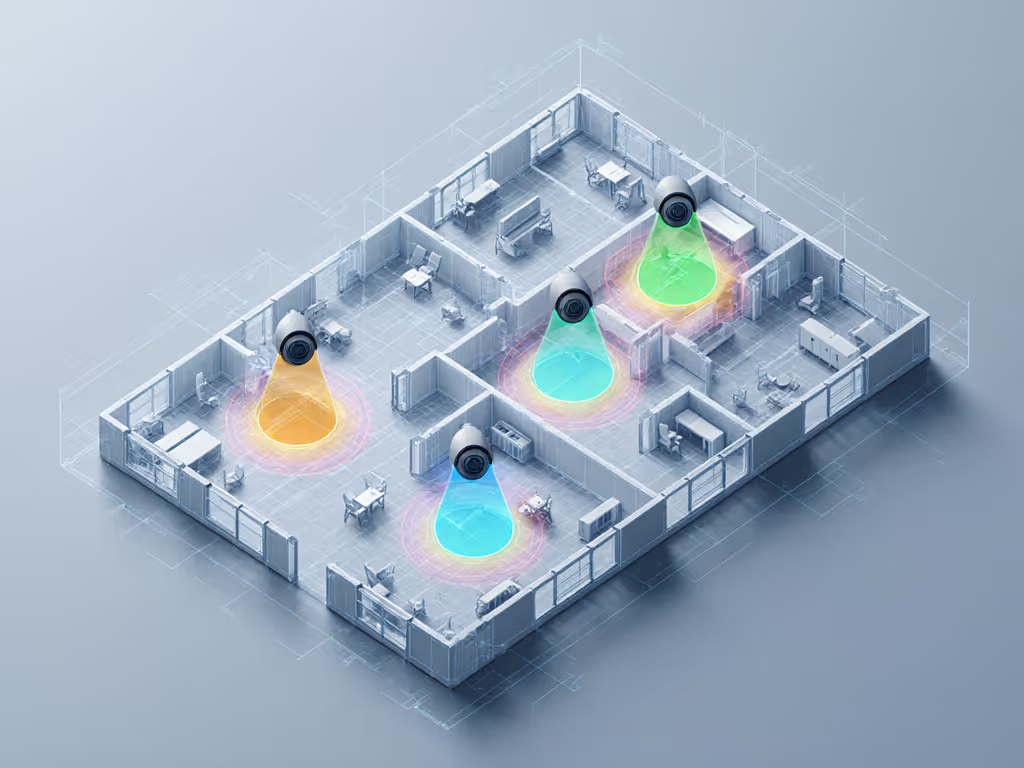
1. What are "digital twin" security cameras in plain language?
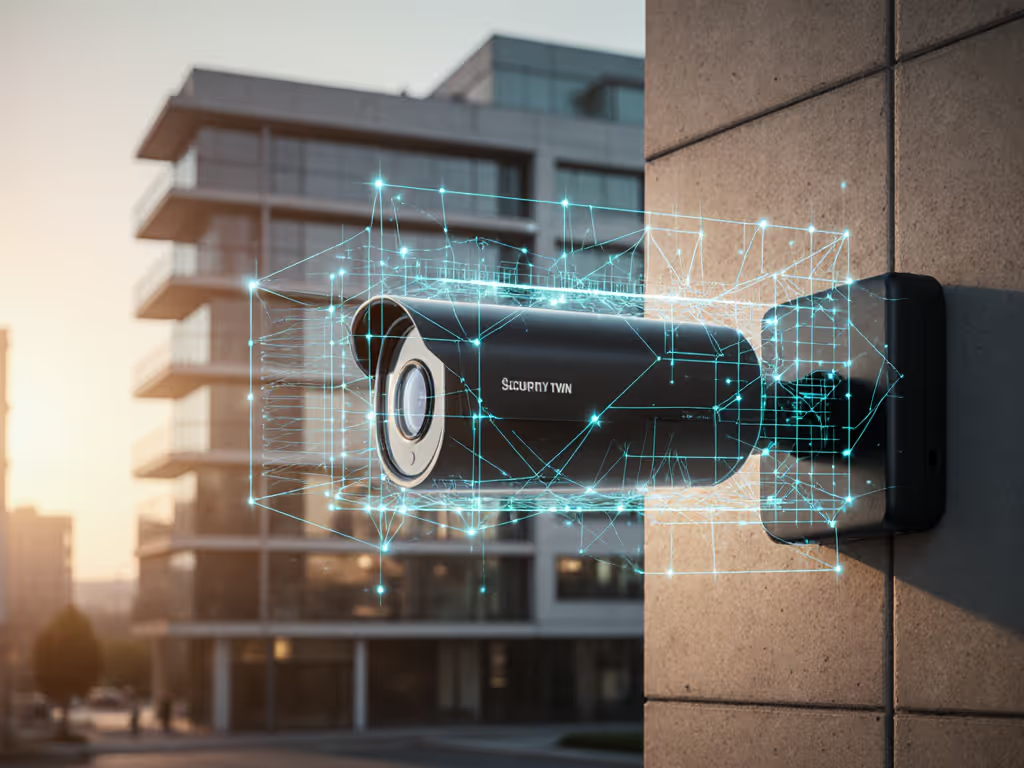
A digital twin is a virtual representation of something in the real world that stays in sync with it. In security, that means:
- A 2D or 3D model of your property (rooms, doors, driveway, fences)
- Each camera's exact location, angle, and field of view
- Live or near-live events (people moving, doors opening, lights turning on) layered onto that model
Digital twin security cameras use this virtual model to understand where and how things are happening, not just that "motion" occurred somewhere in the frame.
With virtual security modeling, the system can answer questions like:
- "If someone walks from the street to my porch, which cameras should see them, and when?"
- "Which areas are completely uncovered by any camera?"
- "How far into the driveway can a car pull before it's out of view?"
Instead of reacting only to pixels changing, the system reasons about movement through space.
2. How is this different from regular IP cameras and NVRs?
A conventional setup is camera-centric:
- Each camera decides what "motion" is.
- Your NVR or app shows timelines per camera.
- You manually cross-reference: "Was this the same person seen on the other side of the house?"
A digital-twin-aware setup is property-centric:
- You define a map or 3D model of the space.
- Cameras are calibrated into that map using spatial mapping security tools.
- Events are tied to locations ("north gate", "porch steps", "lobby door") instead of arbitrary camera names.
This shift unlocks:
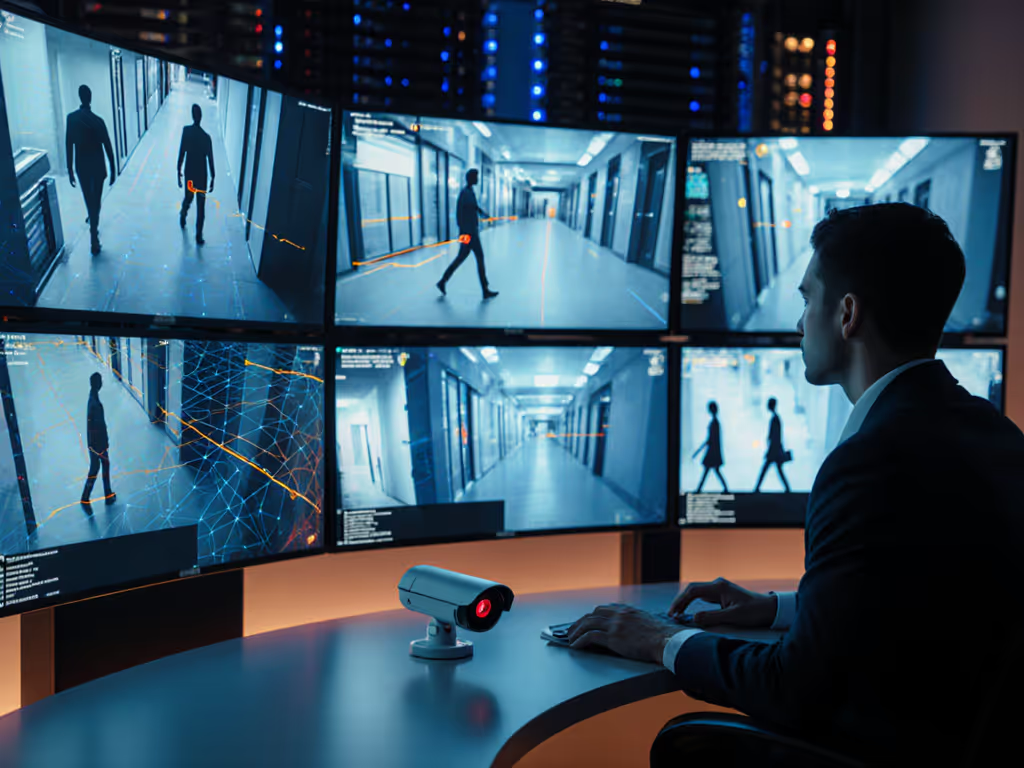
- Cross-camera tracking: Follow a person or vehicle as they move through your property, with a single timeline.
- Context-aware alerts: "Person entered driveway and is approaching front door" is more useful than four separate motion alerts.
- Cleaner evidence: You can export a narrative clip that shows the full path across multiple views, with consistent timestamps.
For a homeowner or small-business owner, that can mean less time scrubbing footage and more time acting on what matters.
3. What real-world problems can this solve for my home or small business?
Let's map this to common pain points.
1. False alerts and notification fatigue
With a spatial model, you can:
- Define zones that matter: "Walkway to front door" or "fence line", not "entire driveway including street."
- Exclude obvious noise areas, like tree lines or public sidewalks.
- Combine object detection (person/vehicle/package) with trajectory: only alert when a person crosses toward the house, not when a neighbor walks past on the sidewalk.
That means fewer pet-, headlight-, and branch-triggered alerts.
2. Laggy or missed notifications
Because the system knows the likely path through your space, it can:
- Trigger alerts at entry lines (e.g., property boundary) instead of when someone is already at the door.
- Use predictive security planning: "If a person continues on this path, they'll reach the back door in ~10 seconds." That allows you to trigger lights or a voice warning earlier.
3. Coverage gaps and blind spots
Through 3D security simulation, you can:
- Virtually place a camera before drilling a single hole.
- Simulate what each lens "sees" at day and night.
- Identify blind zones behind vehicles, pillars, or landscaping.
This makes your eventual spend more efficient: fewer cameras, placed where they actually count. For step-by-step positioning tips, see Security Camera Placement: Eliminate Home Blind Spots.
4. Better evidence for police or insurance
Because events are bound to a shared model, you can:
- Export a continuous sequence of a person entering, moving through, and leaving.
- Maintain consistent time sync and labels ("Person 1", "Vehicle 2").
- Provide clearer context: how they approached, what they interacted with, and their likely exit route.
That directly addresses the "nice footage, but we can't use it" problem. To make evidence truly useful, follow our guide on how to submit security footage police will actually use.
4. How does spatial mapping and 3D simulation actually work?
Under the hood, this relies on a few building blocks:
- Floor plan or 3D model
- Basic systems: you draw zones on a top-down map.
- More advanced: you import or generate a 3D model of key areas (driveway, entry, hallway).
- Camera calibration
The system needs to know where each camera sits and where it points. This can involve:
- Marking reference points (corners, doorframes) in both the video and the map.
- Using known heights and distances to calculate field-of-view cones.
- Object detection and tracking
On-device or local AI identifies people, vehicles, or packages in each video frame, then:
- Projects their position into the map (e.g., "2.3m from north fence, moving south").
- Maintains an ID across multiple cameras as they move.
- Virtual environment monitoring
Once you have a live "overlay" of people/vehicles in the virtual space, you can:
- Trigger rules: "Alert if any person enters Zone A between 11 pm and 6 am."
- Simulate hypothetical scenarios without changing hardware:
- "What if I lower this camera by 1m?"
- "What if I narrow the field to avoid the neighbor's yard?"
From your side, the goal is not to wrestle with math, but to get tools that hide this complexity behind clear setup wizards and visual previews.
5. Does this mean more surveillance and less privacy?
It doesn't have to, and for many homes and small businesses, it can be the opposite.
The key is threat-model framing: What are you actually defending against? Porch theft? After-hours trespass? Vandalism at a specific entrance? Once you're clear on that, you can:
- Cover only the space you need, not "everywhere just in case."
- Use the twin to prove that public sidewalks and neighbors' windows are outside your detection cones.
- Set strict retention policies in the model: how long footage and metadata are kept for each zone.
Collect less, control more; privacy is resilience when things go wrong.
This is where architecture matters:
- Prefer systems that are local-first by default: recording and analytics run on an NVR or small server you own.
- Enable per-camera encryption and strong access control; one compromised password should not reveal your entire property history.
- Use privacy masking at the twin level: for example, permanently black-out your neighbor's yard across all views.
After one too-easily-shared clip from a neighbor's doorbell ended up circulating far beyond our street, I rebuilt my own setup around these principles. The result was not just better privacy; it was a more reliable, less noisy system that only recorded what we'd agreed was truly necessary.
When privacy and reliability are designed together, you get calmer, more focused monitoring, not surveillance creep.
6. Is this like what I already have with smart home sensors?
In a way, yes. If you've used room sensors with a smart thermostat, you've already seen a simple digital twin: a virtual view of your home's temperature, built from physical devices.
For example, something like the Google Nest Temperature Sensor (2nd Gen) extends a thermostat's awareness beyond the hallway into real rooms people actually use. In your app, you see a virtual representation of those rooms and their conditions, and you make decisions (heat/cool schedules) based on that model rather than a single data point.

Google Nest Temperature Sensor
Eliminate hot and cold spots for consistent comfort throughout your home.
$35
Battery LifeUp to 3 Years
Battery LifeUp to 3 Years
Pros
Targets comfort in specific rooms, reducing energy waste.
Quick, easy setup and integrates with existing Nest thermostats.
Long-lasting battery allows flexible placement anywhere.
Cons
Requires a compatible Nest thermostat model.
Customers find the temperature sensors easy to install and use, providing accurate readings that help optimize heating and cooling in different rooms. They appreciate the ability to monitor temperatures remotely, especially in multi-story homes or to address temperature discrepancies between areas.
Customers find the temperature sensors easy to install and use, providing accurate readings that help optimize heating and cooling in different rooms. They appreciate the ability to monitor temperatures remotely, especially in multi-story homes or to address temperature discrepancies between areas.
Digital twin security systems do a similar thing for movement and presence instead of temperature:
- They combine multiple "eyes" (cameras, door sensors, maybe gate contacts) into a single model.
- They let you reason about where life happens in your space, not just what one device sees.
The main difference is stakes: video raises bigger privacy and security questions than HVAC data, so your controls must be stronger.
7. Do I need all-new cameras, or can I retrofit what I have?
It depends on the platform, but many digital-twin-style systems can ingest existing IP cameras if they support common standards like RTSP or ONVIF.
For a retrofit, focus on these basics:
- Resolution and clarity: At least 1080p, ideally higher, with decent low-light performance. The twin can't fix motion blur or unreadable plates.
- Stable timestamps: All cameras should sync to the same time source so cross-camera tracking is accurate.
- Consistent mounting: Avoid wobbly mounts; small shifts in angle degrade calibration.
- Local recording: Prefer NVRs or local servers that can run the spatial model and AI without streaming raw video to the cloud.
You can start by integrating 1-2 critical cameras (front door, primary driveway) into a twin-aware system, prove the value, then expand gradually.
8. How do I start without overspending or locking myself in?
Here's a principle-based, low-risk path:
- Write down your threat model (1-2 paragraphs):
- What has already happened (porch theft, vandalism, break-ins nearby)?
- What would be most costly if it happened once?
- Map your space on paper first:
- Sketch doors, windows, fences, key assets (garage, package area).
- Mark paths people should take vs. paths that indicate trouble.
- Define success in numbers:
- "Reduce false alerts by 70%."
- "Get notified at least 5-10 seconds before someone reaches the door."
- "Maintain 30 days of footage for just these three zones."
- Evaluate tools against those goals:
Look for systems that:
- Support virtual security modeling and zone-based rules.
- Offer local-first by default operation with optional, not mandatory, cloud features.
- Publish clear information about encryption, retention, and export formats.
- Pilot, don't roll out everything at once:
- Start with one area where you already have issues (e.g., driveway thefts).
- Run the new setup in parallel with your current system for a few weeks.
- Compare alert quality, evidence clarity, and day-to-day annoyance.
- Document your settings:
- Keep a simple log: what zones you defined, what retention you set, who has access.
- This makes future audits (and explaining your setup to family, staff, or HOA) much easier.
This risk-to-control mapping keeps you grounded: you're not buying features; you're buying specific reductions in risk and noise.
9. Where should I go next to learn more or plan a build?
A few practical next steps for deeper exploration:
-
Walk your property with your phone camera and note:
-
Where people come from and where they go.
-
Where light and glare cause problems at night.
-
Which views you don't want to capture for privacy reasons.
-
Create a simple "digital twin draft" using grid paper or a basic floor-plan app. Mark cameras, doors, and desired detection lines.
-
Talk to vendors or integrators using precise questions:
-
"Can your system model movement across multiple cameras as one event?"
-
"Can I run all analytics locally and keep cloud entirely optional?"
-
"How do you implement privacy masking at the map or model level?"
-
If you're DIY-inclined, explore platforms that support open standards (RTSP/ONVIF, Home Assistant integration) and documented APIs. These tend to age better and avoid hard lock-ins.
Above all, treat digital twin security cameras as a design tool for a calmer, more constrained system, not an excuse to record everything, everywhere, forever. When you use the virtual model to aim carefully, set tight zones, and enforce retention, you end up with what most people actually want:
Quiet most of the time, sharp and reliable when it matters.
And if you keep one design mantra in mind, make it this: local-first by default. For a deeper cost, privacy, and outage-resilience breakdown, compare cloud vs local storage.
Related Articles