Shared Space Security Cameras: Privacy-Focused Solutions Compared
By Aoife O'Connell • 17th Jan
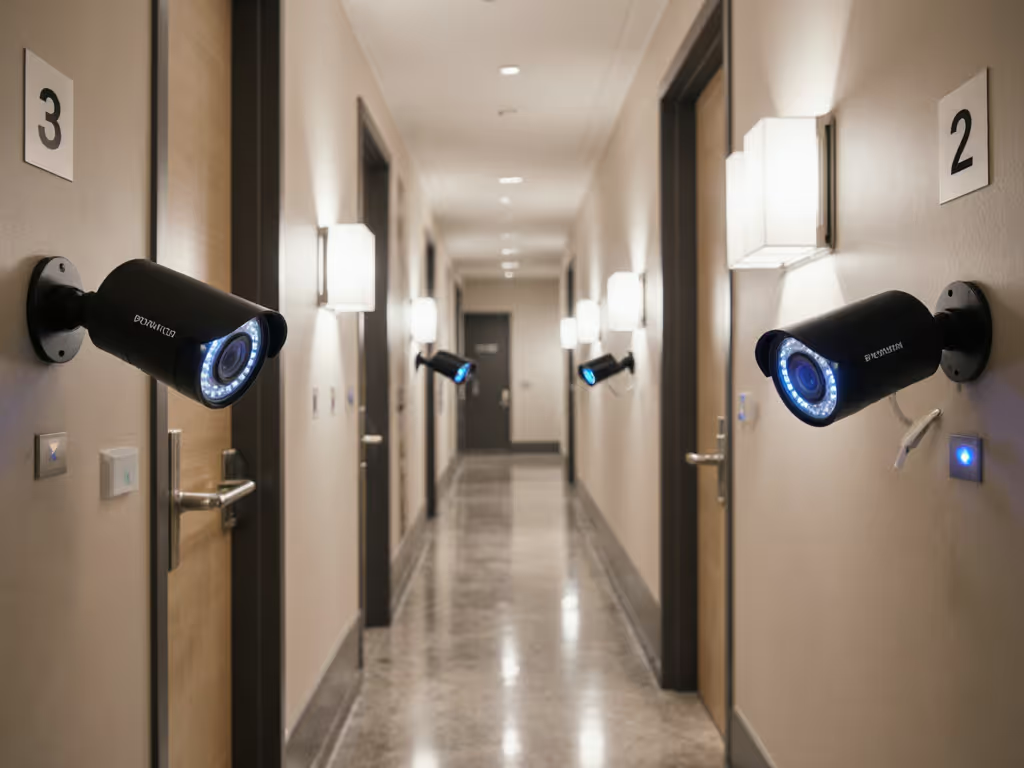
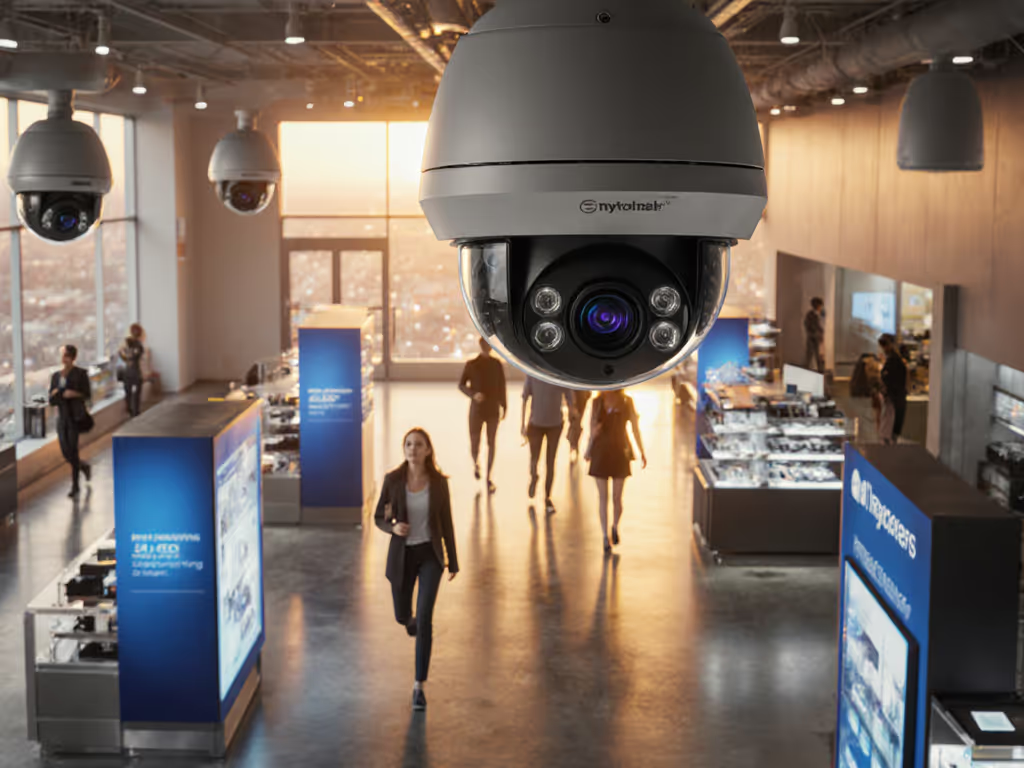
When you manage commercial multi-tenant security, your camera surveillance systems aren't just about watching spaces - they are about balancing protection with privacy. Too many systems promise "smart" detection while drowning you in false alerts or compromising tenant trust. After 12 years of rewiring wobbly mounts and tuning noise-prone zones, I've learned: reliability is a build quality, not a software update. Let's fix the basics first.
Why Multi-Tenant Properties Need Specialized Camera Solutions
Residential cameras fail in shared spaces because they're designed for single households - not the complex foot traffic, overlapping privacy boundaries, and evidence requirements of apartment complexes or commercial hubs. Here's what sets commercial multi-tenant security apart:
Q: How are shared space security cameras different from residential ones?
A: Residential systems often rely on cloud-only processing and basic motion zones. Commercial properties need:
- Granular privacy controls: Per-tenant masking zones for windows/balconies
- On-device AI: Processes person/vehicle detection locally to avoid cloud privacy leaks
- Audit-ready evidence: Timestamped clips with tamper-proof metadata for police/insurance
- Stable backhaul: PoE wiring to eliminate Wi-Fi drops during critical events
Residential cams frequently trigger on windblown trash or headlights - wasting your time. Industrial-grade cameras like Hanwha's PNV-A9081RX use local AI to distinguish actual threats (e.g., a person lingering at a door) from irrelevant motion (swaying trees). This cuts false alerts by 70%+ in real-world deployments.
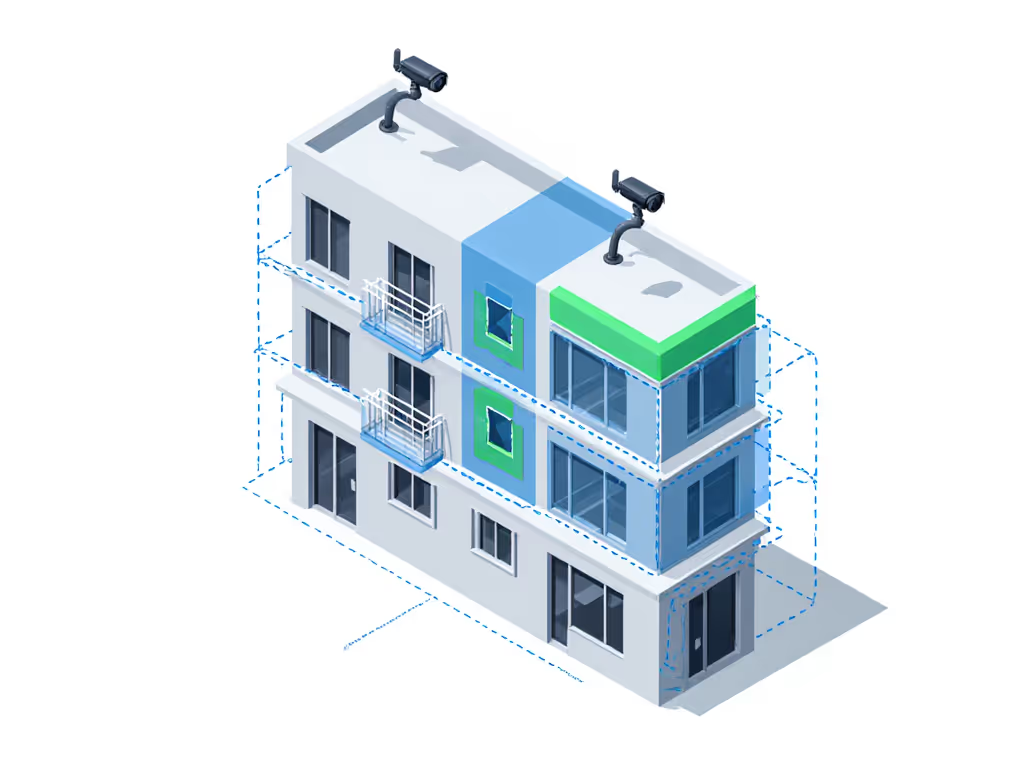
Q: What's the biggest privacy pitfall in multi-tenant camera surveillance systems?
A: Overlooking "glance zones" - areas where cameras accidentally sweep into private spaces during pan/tilt. I once saw a property manager fined $12k because a PTZ cam pointed toward a tenant's bedroom during auto-tracking. Avoid this by:
- Mapping field of view (FOV) before drilling
- Physically angling cameras downward (10-15°) to avoid windows
- Using hardware-based privacy masks (not software-only fixes) For state-specific rules on signage and recording consent, read our state security camera laws.
Critical: Always post visible signage showing camera coverage boundaries. It's legally required in 32 states and reduces tenant complaints by 40%.
Wiring & Power: Why Reliability Trumps "Wireless Convenience"
Battery cams seem easy - until January drains them hourly, or monsoons kill Wi-Fi. Commercial property monitoring demands permanence.
Q: PoE vs. Wireless: Which is better for multi-tenant access control?
A: For 95% of properties, PoE is non-negotiable. Here's why: For a side-by-side reliability breakdown, see our wired vs wireless stability guide.
| Factor | PoE Systems | Wireless/Battery | Why It Matters |
|---|---|---|---|
| Uptime | 99.9%+ with stable power | 60–80% in extreme temps | Missed alerts during storms = higher theft risk |
| Night Vision | Consistent 30m+ IR range | IR weakens as battery drains | License plates unreadable at 15m on low power |
| Scalability | Add cameras via network switch | Signal degradation beyond 3 access points | $300 vs. $2k+ for mesh extenders |
| Privacy | Local video processing | Cloud-dependent AI | 68% of tenants distrust cloud-only footage (J.D. Power 2025) |
A Colorado apartment complex cut false alerts by 88% after rewiring battery cams to PoE. Their secret? Clean power + physical mounts. Wireless cams wobbled in high winds, triggering motion sensors. Once anchored to brick walls with stainless steel brackets and powered via PoE+, the cameras stopped "seeing" phantom movement. Solid mounts and clean power beat fancy features - every time.

Q: Can I avoid subscriptions without sacrificing features?
A: Yes - but you must choose systems with local storage and on-device AI. Avoid brands that lock:
- Person detection behind subscriptions
- 24/7 recording behind cloud tiers
- License plate recognition behind "premium packs"
Look for:
- Edge storage: Dual SD card slots (like Hanwha's 1TB capacity) for 30+ days of footage
- True local AI: Cameras processing detection onboard (e.g., Axis Q6155-E with built-in analytics)
- Open protocols: ONVIF support to integrate with free software like Surveillance Station To avoid vendor lock-in across brands and VMS platforms, see our ONVIF compliance guide.
One Midwest property manager saved $1,800/year by ditching cloud fees. They use ButterflyMX cameras with local NVR storage - retaining person/vehicle alerts without monthly costs. Their ROI? Clear footage of a package thief, accepted by police as evidence due to unbroken timestamp chains.
Placement & Tuning: The Unsexy Secrets to Fewer False Alerts
You could buy the "smartest" business surveillance cameras, but poor placement guarantees failure. Remember that family whose driveway camera missed everything? The mount wobbled, Wi-Fi dropped, and IR reflected off a white wall. We rewired to PoE, added a wedge, and aimed past the glare. False alerts fell, plates popped at night, and the house finally stopped buzzing every breeze.
Q: How do I reduce false alerts from pets, rain, or headlights?
A: Stop blaming the AI - tune your zones. Follow this checklist: For step-by-step tuning across brands, use our motion calibration guide.
- Shoot test footage at night: Stand where motion occurs (e.g., driveway edge). Is IR bouncing off walls? Reposition camera away from reflective surfaces.
- Divide zones into layers:
- Outer ring: Detect vehicles (ignore leaves)
- Mid zone: Flag persons (ignore pets under 24" tall)
- Critical zone: Only trigger for packages (e.g., doorstep)
- Adjust sensitivity by time: Lower motion thresholds at night when headlights cause glare
- Enable "pre-alarm" buffer: 5-second pre-roll ensures you catch the start of incidents
A Chicago office park slashed nuisance alerts by 92% using layered zones. Their cameras now ignore delivery trucks passing by but trigger instantly when someone approaches the rear door.
Q: What's the #1 mistake in multi-tenant camera placement?
A: Pointing cameras downward at 90° to avoid privacy issues - creating a "blind trench" where faces vanish. The fix:
- Tilt cameras 10-15° downward while keeping heads in frame
- Mount at 8-10 ft height (not 14+ ft like retail)
- Use 2.8mm lenses for wider FOV at lower heights
This captures faces clearly while masking ground-level private areas. One Houston complex decreased unusable footage by 75% with this adjustment - no new hardware needed.
Actionable Next Steps: Audit Your System in 60 Minutes
Don't waste money on "upgrades" until you've fixed foundational flaws. Do this today:
- Test your night vision: Stand 15 ft from camera at night. Can you read a license plate-sized text? If not, reposition or add external IR (avoid built-in LEDs reflecting off walls).
- Check your zones: Disable all but your smallest critical zone. How many actual alerts do you get in 24 hours vs. total motion triggers?
- Verify evidence quality: Export a clip. Is time/date visible? Can police zoom in without pixelation?
When you prioritize placement, PoE wiring, and tuned zones, your cameras won't just work - they'll work quietly. You'll get alerts only when it matters, and crystal-clear proof when it doesn't. That's commercial multi-tenant security done right.
Let's fix the basics first. A wobbly camera misses everything, no matter how "smart" its AI claims to be.
Related Articles