Sound Detection Security: Prevent Home False Alerts
By Kojo Mensah • 30th Nov
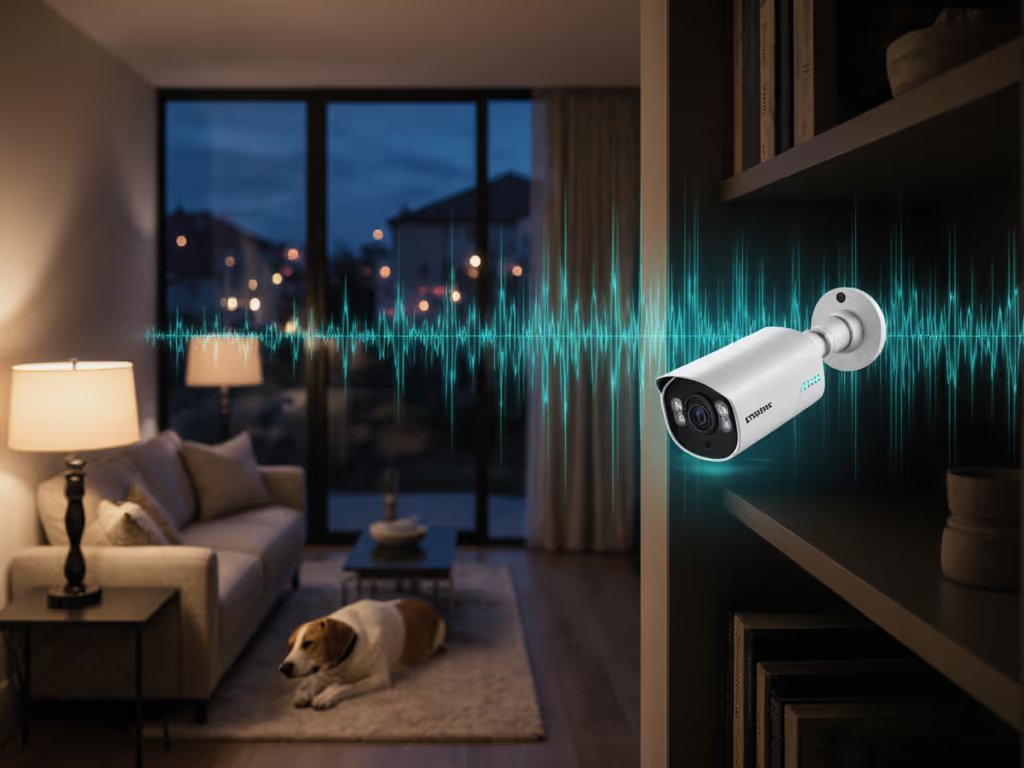
If you're tired of notification fatigue from your security system, you're not alone. Most homeowners and small-business owners face constant false alerts triggered by pets, wind, or passing cars. Security camera audio analysis and sound detection security technologies offer a smarter approach to threat identification (without the cloud dependency). By understanding what sounds matter in your environment, these systems dramatically reduce false positives while maintaining privacy through design.
In my years designing camera systems that keep evidence in your hands, I've seen how thoughtless audio implementations can create more problems than they solve. A neighbor's doorbell footage of our street ended up in a viral group, faces and plates exposed. No malice, just frictionless sharing. That's why I build systems that prioritize what you need to know, not everything you could know. Collect less, control more; privacy is resilience when things go wrong.
Let's explore how sound detection systems can solve your alert fatigue without compromising your privacy principles.
How Does Sound Detection Security Actually Reduce False Alerts?
What's the difference between audio event detection and basic motion sensors?
Motion sensors alone trigger alerts for any movement (squirrels, leaves, headlights). Audio event detection adds context. Systems using sound pattern recognition identify specific acoustic signatures (glass breaking, aggressive voices, gunshots) while ignoring irrelevant noises. This layered verification creates a more reliable signal.
Unlike cloud-based systems that stream everything "just in case," principle-based guidance suggests: only process what you need to know. Local audio analysis that discards non-threat sounds immediately creates less data exhaust and reduces accidental oversharing.
How does audio analytics know what to ignore?
Quality systems use risk-to-control mapping: defining what specific threats matter to your context. For residential properties, the sweet spot is detecting:
- Glass breaking (not wind)
- Raised/aggressive voices (not normal conversation)
- Vehicle engines approaching (not distant traffic)
- Emergency sounds (sirens, alarms)
Well-designed systems don't "listen" to conversations, they analyze acoustic patterns. This maintains privacy-compliant audio analytics by design. The system processes locally, never transmitting audio unless a verified threat exists.
Collect less, control more; privacy is resilience when things go wrong.
Why can't I just rely on video analytics alone?
Video analytics miss critical context. Cameras can't detect:
- Sounds happening outside their field of view
- Threats in blind spots (around corners, behind structures)
- Aggressive vocal tones that precede visible violence
Audio provides complementary verification that reduces false alarms by 30-90%, according to security industry reports. To understand how advanced analytics separates real threats from noise, read our Video Content Analysis guide. This isn't about more surveillance; it's about smarter verification that respects your time and attention.
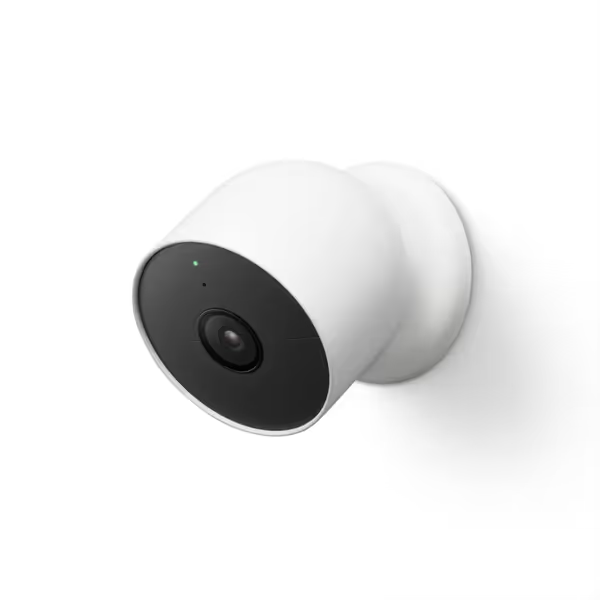
Google Nest Cam (Battery)
Smart battery camera with built-in intelligence reduces false alerts.
$119.99
Video Resolution1080p HDR with Night Vision
Video Resolution1080p HDR with Night Vision
Pros
Identify people, animals, vehicles without subscription.
Battery-powered for flexible, easy placement anywhere.
Local storage for 1 hour if Wi-Fi or power fails.
Cons
Mixed battery life and overall camera quality reviews.
Customers find the security camera easy to set up and install, with crystal clear video quality during the day. However, the functionality and camera quality receive mixed reviews, with some finding it very good while others consider it the worst camera ever.
Customers find the security camera easy to set up and install, with crystal clear video quality during the day. However, the functionality and camera quality receive mixed reviews, with some finding it very good while others consider it the worst camera ever.
Making Sound Detection Work for Your Home
How do I set up audio detection without privacy risks?
Local-first by default. Choose systems where audio processing happens on-device AI, not in the cloud. Look for:
- On-device sound pattern recognition (no audio leaves your property unless verified)
- Configurable sensitivity for specific sound types
- Clear retention policies (how long audio is stored)
- Physical privacy indicators (lights showing when audio is active)
Avoid systems requiring cloud subscriptions for basic audio analysis; this creates unnecessary dependency and data exposure. Local processing means alerts work even during internet outages, which strengthens reliability when you need it most.
Will audio make my system more complex to manage?
Actually, less. Properly configured audio analytics simplify your experience through:
- Fewer false alerts = less notification fatigue
- Contextual verification = higher confidence in real threats
- Faster response time = alerts that trigger intervention before incidents escalate
The threat-model framing should be: What threats actually matter to my home? For most homeowners, preventing porch piracy matters more than detecting every footstep. Configure audio triggers for high-value scenarios, not noise.
What about pets or family members triggering alerts?
Good systems distinguish between:
- Human voices vs. animal sounds
- Normal conversation vs. aggressive tones
- Glass breaking vs. objects falling
This requires precise definitions in your system configuration. Start with broad sensitivity, then refine based on what triggers alerts in your environment. Local storage of your specific acoustic patterns helps systems learn your household without cloud dependency.
Getting the Most from Your Audio-Enhanced System
How much improvement can I realistically expect?
Industry data shows properly configured audio analytics can reduce false alarms by 70-90%. The Security Industry Association reports over 98% of alarm activations are false, costing communities billions annually. Adding audio verification creates a dramatic improvement in signal quality.
But remember: no system is perfect. The goal isn't zero false alerts; it's actionable alerts. If you receive three verified threats per month instead of 300 noise alerts, you've won.
What are the privacy considerations I should know?
Privacy-compliant audio analytics should:
- Process audio locally where possible
- Delete non-threat audio immediately
- Offer clear visual indicators when audio is active
- Allow manual privacy modes (muting audio when guests visit)
- Provide precise control over what sounds trigger alerts
Audio analytics done right improves privacy by reducing unnecessary data collection. Instead of recording everything, you're collecting only verified threat evidence. This aligns with data minimization principles that protect both you and your neighbors.
Can audio detection work without constant internet?
Yes, and it should. Local-first, by default, systems perform audio analysis on the device, requiring internet only when a verified threat needs reporting. For storage reliability and outage resilience, see our breakdown of cloud vs local storage. This means:
- No notification delays due to cloud processing
- Alerts still work during internet outages
- Less bandwidth consumption
- Reduced attack surface for hackers
How do I choose the right system for my needs?
Apply principle-based guidance:
- Identify your actual threats (package theft? vandalism?)
- Match audio capabilities to those threats (glass breaking detection if windows are vulnerable)
- Verify local processing capabilities (avoid cloud-locked features)
- Check data retention policies (how long audio is stored locally)
Skip systems that require mandatory cloud subscriptions for basic audio analysis; this creates unnecessary risk and costs. Look for open standards that allow integration with your existing ecosystem (like Home Assistant or local NVRs). For true multi-brand compatibility, see our guide to ONVIF compliance so you can avoid vendor lock-in.
What's Next?
Sound detection security isn't about hearing everything; it's about knowing what matters. When implemented with privacy in mind, audio analytics transform security from reactive monitoring to reliable verification.
If you're researching specific systems, I recommend comparing:
- Local audio processing capabilities
- Configurable sensitivity for different sound types
- Transparency around data handling
- Local storage options for verified events
The best systems don't just reduce false alerts, they do it while respecting your privacy boundaries and reducing your overall data footprint. That's the real win.
Want to go deeper? Check our guide to building local-first security systems with minimal data exhaust, where privacy and reliability work together, not against each other.
Related Articles